1. Copy the details
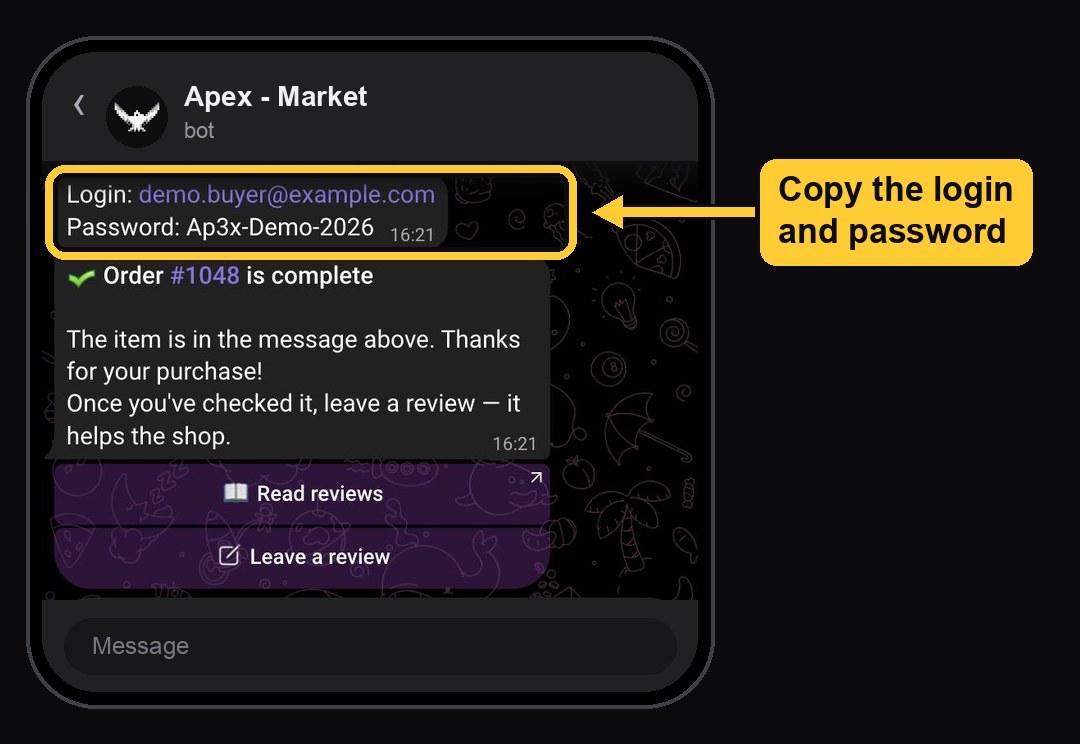
The order message has an email and a password. Copy each on its own.
2. Sign in
- Open the CapCut app (phone or computer) or capcut.com. Signed in to your own account, sign out.
- Tap Sign in and pick Continue with email.
- Paste the email and the password.
Sign in with the email and password, not with TikTok, Google or Facebook.
3. Check Pro
Open your profile: there should be a Pro badge next to the name. Try an export: there should be no watermark.
You can change the email
With this product you're allowed to switch the email to your own: profile → Settings → Account. That makes the account fully yours. You can change the password too.
Warranty
The product has a full warranty. Anything wrong with the account, write to support @Volarchik: what's wrong and the order number.