1. Get a Google account ready
- The offer works for new Google accounts that never had Google AI Pro, Gemini Advanced or Google One AI Premium. Not sure, make a new Gmail.
- You need a payment method (a card): Google asks for one to set it up.
2. Sign in to the right account
- Open gemini.google.com in your browser.
- Tap the avatar at the top right and check the email. It must be the account you want the plan on.
- Several Google accounts in this browser, better open a private window and sign in to the right one only.
Don't open the link until you're sure you're in the right account. Once it's activated, the plan can't be moved to another account.
3. Open the link from the order
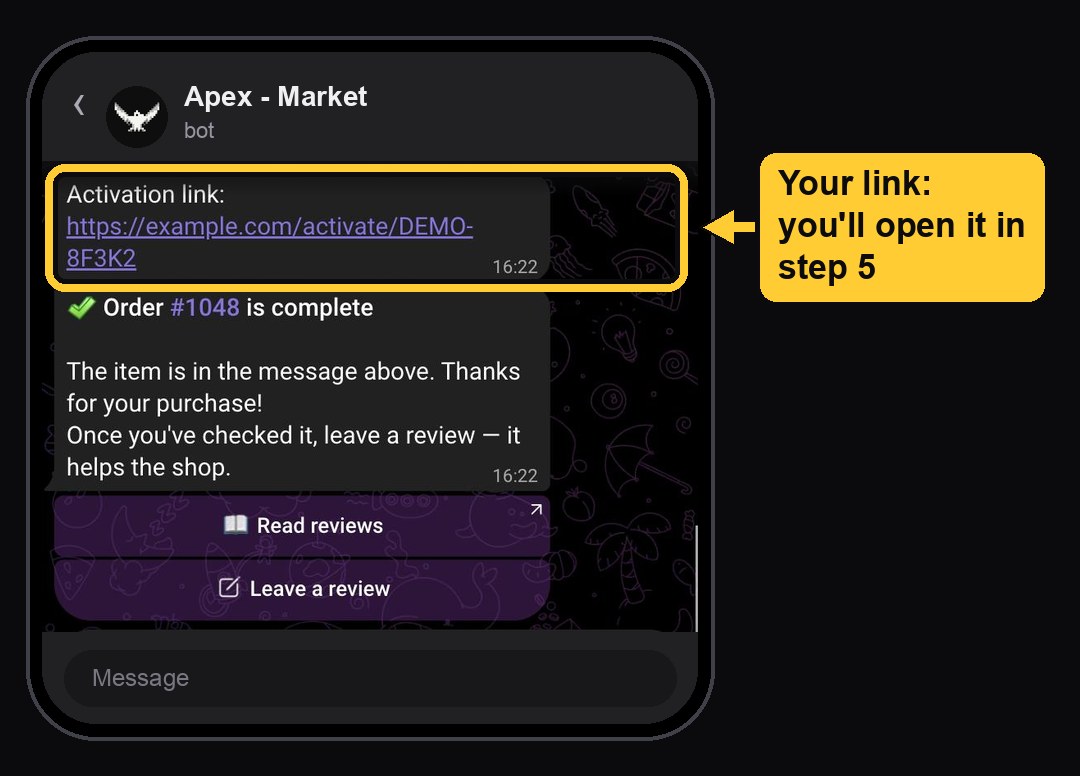
In the same browser, tap the link from the message. The promo applies by itself: the page shows a price of 0 for the whole term. Follow the steps on screen and confirm.
4. Check it
Refresh gemini.google.com: PRO shows next to the logo. The plan is also listed on one.google.com.
So nothing gets charged when the term ends, turn off auto-renewal at one.google.com → Settings → Manage membership. The plan keeps working until the end of the term.
If it doesn't work
- It says the offer isn't available: the account doesn't qualify (not new, or it had a trial before). Try a new Gmail.
- It asks for the full price: you opened the link in the wrong account or the promo didn't apply. Don't pay anything; write to support @Volarchik with the order number.
- The link won't open: it's single-use. Don't forward it or open it on other devices.