1. Copy the details
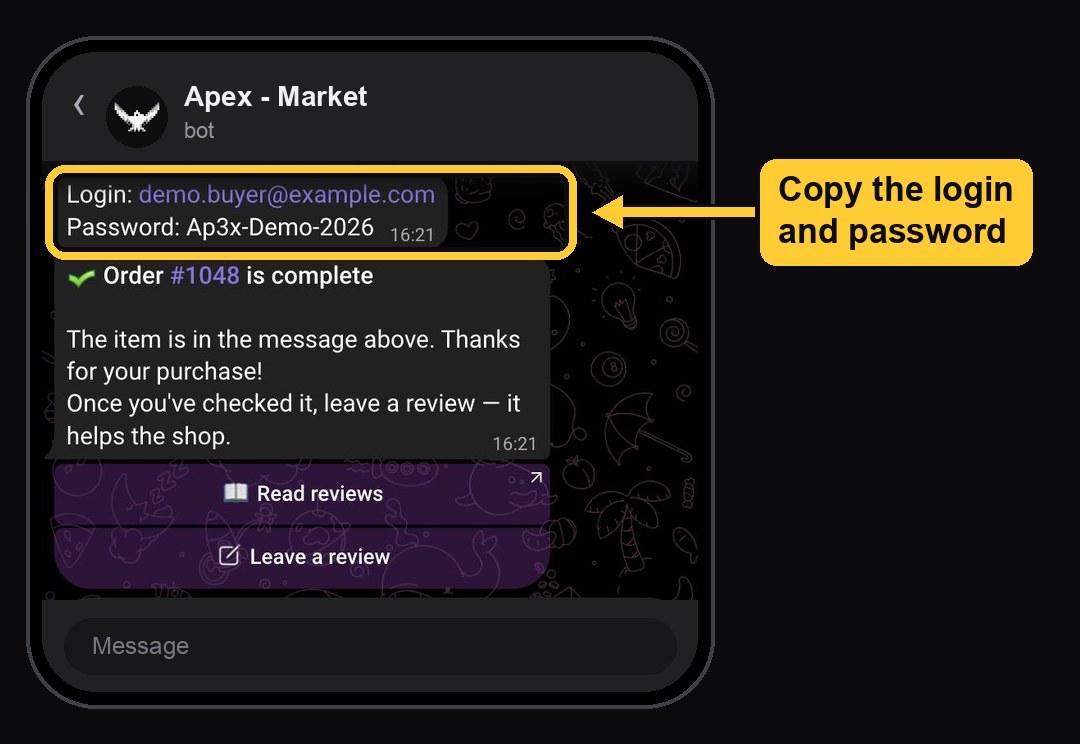
The order message has an email and a password. Copy each on its own, no spaces at the ends.
2. Sign in
- Open grok.com or the Grok app. Already signed in to your own account, sign out.
- Tap Sign in and pick Email.
- Paste the email, then the password.
Don't sign in with X, Google or Apple: the account opens with the email and password only.
3. Check the plan
Avatar → Settings → Subscription: your plan (Plus, Premium etc.) should be there.
Dos and don'ts
- You can change the password only.
- Don't change the email, the username or the linked sign-in methods.
- Better leave the other settings as they are.
- Don't share the details with anyone.
Warranty
The term is in the product description. If the account gets deleted or disabled within it, we replace it with a new one. Check the sign-in as soon as you get it.
If it doesn't work
- Wrong password: copy it again, no spaces.
- It asks for an email code: write to support @Volarchik with the order number and we'll send the code.